

Yes, an optical cable will connect your TV to your soundbar, provided both have a square optical port, and for stereo and Dolby Digital 5.1 sound it works perfectly. What it cannot carry is Dolby Atmos or any lossless surround format; those need HDMI ARC or eARC. If your soundbar only has an optical input, optical is your answer, and a decent one costs very little.
Check the ports first
The optical socket, properly called Toslink, is a small square port behind a sprung flap or a rubber plug, usually labelled optical, digital audio out or S/PDIF. Almost every television sold in the last fifteen years has one on its back panel. Soundbars are more mixed: budget and midrange models nearly always include optical, while some newer bars have dropped it in favour of HDMI alone. Check both ends before you buy anything. The plug only seats one way, so line it up with the square, push until it clicks, and pull off the tiny clear protective caps first; a surprising number of dead optical connections are just a cap still on the plug.
What optical can and cannot carry
Optical is a digital link with a fixed bandwidth budget, and the limits are worth knowing before you blame the cable. It carries two channel PCM stereo at full quality, plus compressed Dolby Digital and DTS surround up to 5.1, which covers broadcast TV, streaming apps and older disc formats. It cannot carry Dolby Atmos, Dolby TrueHD, DTS-HD or multichannel PCM, because none of those fit down the pipe. If Atmos matters to you, connect the bar over HDMI ARC or eARC instead and keep the optical lead as a spare. If your viewing is free to air TV, Netflix and the odd Blu-ray, optical will deliver everything the broadcast actually contains.
Set the TV correctly
The single most common optical fault is a TV output setting, and it takes thirty seconds to fix. In the TV's sound menu, find digital audio output and set it to Auto or Bitstream if your soundbar decodes Dolby Digital, or PCM if the bar is stereo only or you are feeding a DAC. A stereo device fed a Dolby bitstream produces silence or hissing, which is the number one support question in this category. While you are in the menu, turn the TV's own speakers off so the remote's volume keys control the bar.
When to spend more on the cable
Optical is light down a fibre, so a cheap cable that clicks firmly into place will perform identically to an expensive one at the one to two metre length behind most TVs. Spend more when the run is longer than about five metres, where better fibre and precise ferrules genuinely reduce dropouts, or when you want a cable that survives being routed behind a cabinet: solid strain relief, proper ferrules and a jacket that tolerates gentle bends. Never kink an optical lead or bend it tighter than a loose loop, because the light inside travels by internal reflection and a kink throws it off the fibre wall.
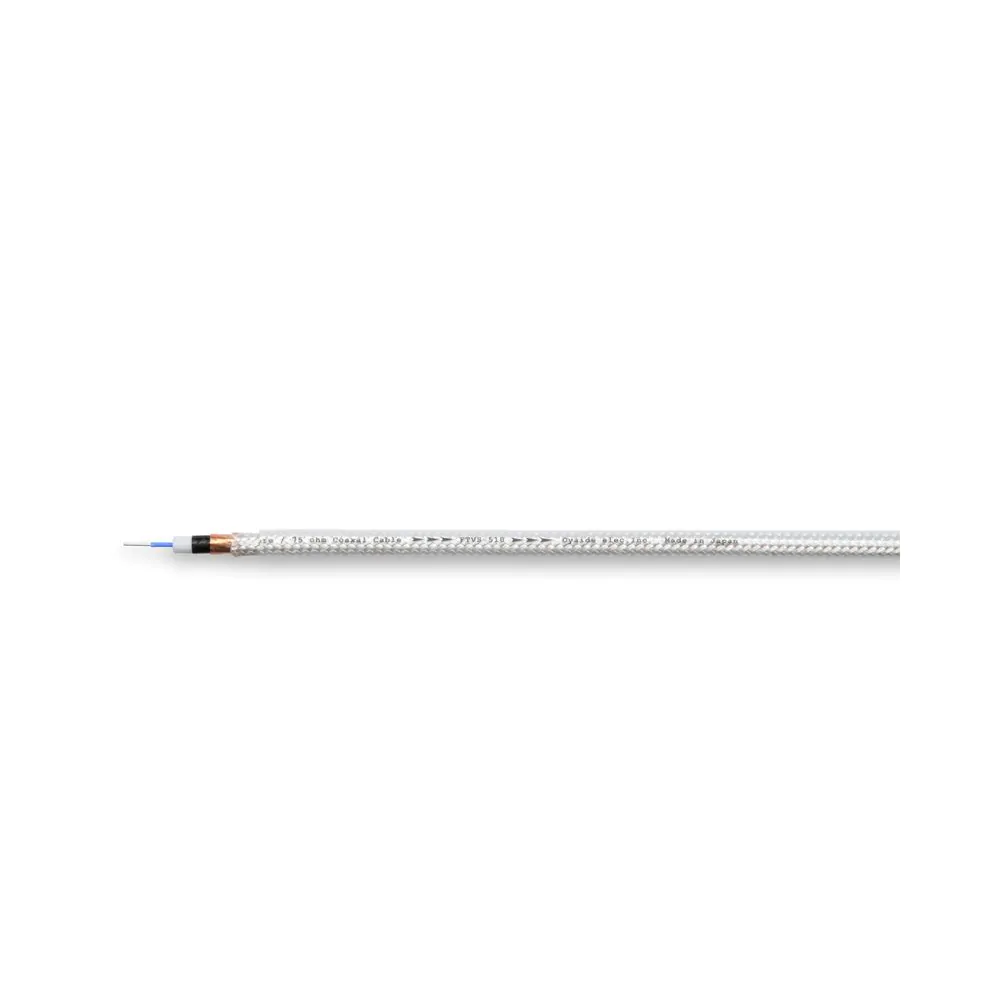
If your end goal is better TV sound rather than a soundbar specifically, consider the hi-fi route: optical from the TV into a DAC, then into a stereo amplifier. The DAC path also opens up coaxial digital, where a true 75 ohm build like our Jami digital cable, from $113, is the connoisseur's option.
Our recommendation
Soundbar with an optical input and ordinary viewing habits: buy a well built Toslink of the length you need, set the TV correctly and enjoy it. Atmos ambitions: use HDMI eARC instead. The digital leads we build and rate live in our digital cables category, and for an unusual length or a TV to DAC setup you would like specced properly, the custom order form reaches the workshop directly.