

A digital optical cable, usually called a Toslink cable after the Toshiba Link standard it came from, carries digital audio as pulses of light down an optical fibre instead of as voltage down copper wire. It is still the simplest way to get clean stereo sound from a television into a DAC, and because the signal travels as light it is completely immune to electrical interference and ground loop hum. For most TV to DAC jobs up to ten metres or so, a well made Toslink lead is genuinely all you need.
What a Toslink cable actually is
Toshiba introduced Toslink in 1983 as a way to move S/PDIF, the consumer digital audio format, between CD players and receivers without any electrical contact. One end of the link holds an LED, the other a photodiode, and the music is encoded as light blinking on and off millions of times per second. The connector is the small square plug behind the sprung flap on the back of your TV, and a miniature version, mini Toslink, shares the 3.5mm headphone socket on some laptops and portable players.
Because the two devices are joined by glass or plastic rather than metal, no current can flow between them. That single fact explains most of Toslink's enduring appeal: it cannot create a ground loop, it ignores the radio frequency hash that saturates modern homes, and it does not care that your TV and your DAC sit on different power circuits. The trade off is bandwidth. Standard Toslink comfortably carries two channel PCM up to 24 bit, 96kHz, plus compressed surround formats like Dolby Digital and DTS. It cannot carry the lossless surround formats (Dolby TrueHD, DTS-HD Master Audio) or multichannel PCM; those belong to HDMI.
A technical point worth knowing: S/PDIF embeds the clock inside the data stream, so the receiver must recover its timing from the incoming signal itself. That is why the quality of the optical transmitter and receiver matters at least as much as the fibre between them, and why the format's jitter performance is decided largely by the boxes at each end. It is also why the tired forum claim that all optical cables sound identical is half right: the fibre is rarely the bottleneck, but the converters sometimes are.
Toslink vs coaxial vs USB
These three connections all move digital audio, but they come from different worlds and suit different jobs:
- Toslink is the galvanic isolation specialist. Choose it when the source is a television, when hum or noise is a risk, or when the run is long and crosses power cabling. Its limits are sample rate and surround formats.
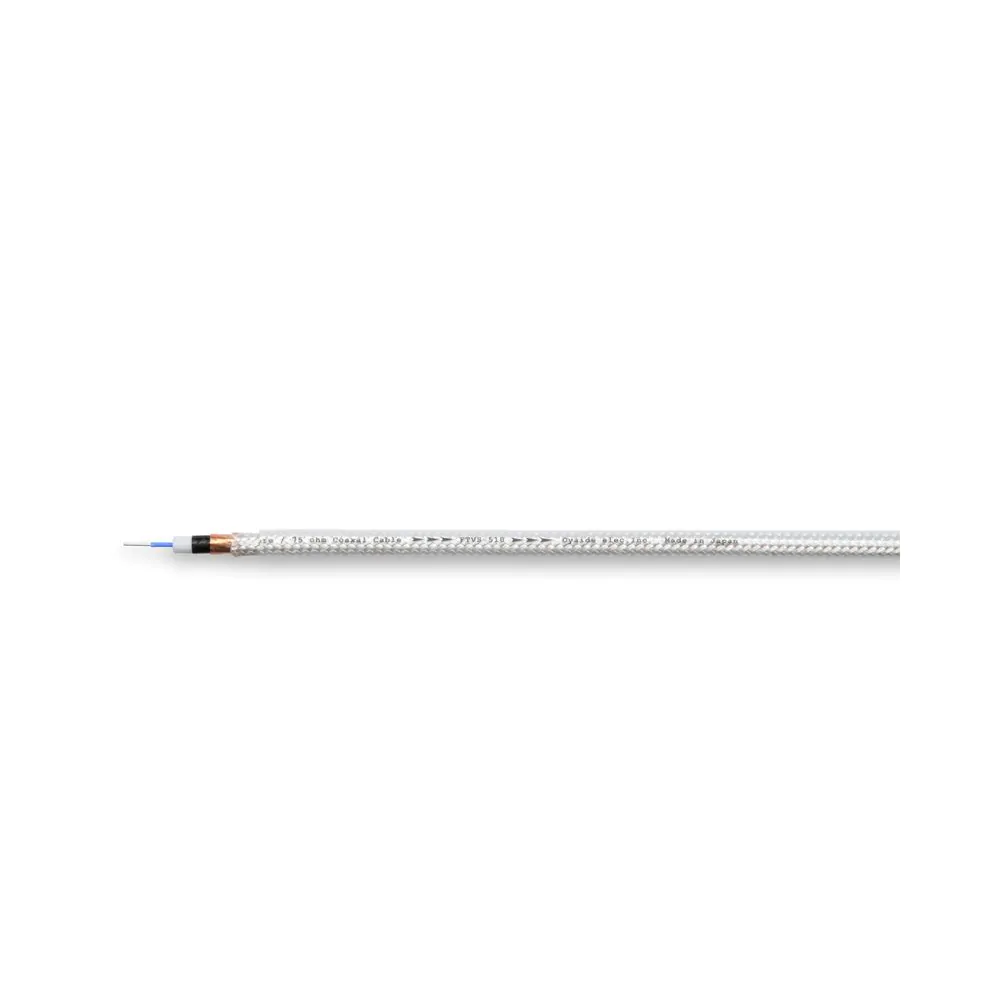
- Coaxial S/PDIF carries the same data over a 75 ohm copper cable with RCA or BNC connectors. It supports higher sample rates (24/192 is routine) and, in a well implemented link, can deliver the signal with lower jitter than a cheap optical transmitter manages. It is the connoisseur's choice between a CD transport and a DAC, and it is the connection our Jami digital cable, from $113, is built for, using Oyaide's DST-75 V2 wire with true 75 ohm geometry.
- USB is the computer audio connection. It is bidirectional, which lets the DAC control the flow of data rather than chasing the source's clock, and it supports the highest resolutions of the three: PCM to 32 bit, 768kHz and DSD512 on paper. If your source is a computer or a streamer with USB output, use USB; we cover that properly in a separate guide.
The honest summary is that none of these is universally best. USB wins for computers, coax wins for dedicated transports, and Toslink wins for televisions and noisy environments. A good DAC gives you all three precisely so you can choose.
The TV to DAC problem, and long runs
The most common reason people buy an optical cable in 2026 is also the best one. Modern televisions have largely abandoned analogue outputs, so the only way to feed a stereo amplifier or DAC from the TV is the optical socket on its back panel. Run a Toslink from the TV to the DAC, set the TV's audio output to PCM, and the television's streaming apps suddenly sound like they belong in a hi-fi system. Relative to its cost, it is the highest value upgrade in home audio, and we say that as a shop that sells cables for a living.
Long runs are where optical earns its keep in a different way. A ten metre copper interconnect is an antenna; a ten metre optical run is just a longer piece of fibre. If your DAC and amplifier live in a cabinet away from the wall mounted TV, optical is the one consumer connection that shrugs off the distance without special consideration. Keep the fibre away from tight bends, nothing tighter than a loose loop the size of your fist, because the light inside travels by internal reflection and a kink throws it off the wall of the fibre. For runs well beyond ten metres, the LED transmitter in the source becomes the limiting factor, and a coaxial run with proper 75 ohm construction, such as the pure silver RUMI builds, starts to make more sense.
Getting the best from a Toslink connection
A few small things decide whether an optical link sings or sputters. First, remove the tiny clear caps from the plugs before connecting; they are shipping protection, not part of the connector, and a surprising number of support calls end right there. Push the plug in until it clicks, and if you hear nothing, check that the sprung flap on the socket has not trapped the plug half seated. Second, set the TV's digital audio output correctly: PCM for a stereo DAC or amplifier, bitstream (Dolby Digital) only if the far end is a soundbar or receiver that can decode it. A stereo DAC fed a Dolby bitstream produces silence or hiss, and this mismatch is the single most common fault we are asked about. Third, route the cable with some kindness: no sharp bends, nothing kinked under a cabinet leg, and a loose service loop rather than a taut line between components.
Mini Toslink deserves a footnote. If your laptop or portable player combines optical output with its headphone socket, you need a Toslink to mini Toslink lead or a small adapter. For a permanent installation we would take the proper lead every time, because every extra joint is a place for the light path to leak, and adapters have a habit of working loose behind a cabinet. Buy the right cable once and be done with it.
Glass vs plastic: is the upgrade worth paying for?
Cheap Toslink cables use a single strand of plastic optical fibre, about a millimetre across. Expensive ones typically use bundles of much finer glass fibres. The physical difference is real: glass transmits light with less scattering and attenuation, and the signal arrives at the far end with cleaner optical edges, which in principle means less work for the receiver and less jitter. The marketing difference is usually exaggerated.
Here is our measured position, after building and testing digital cables for years. At one or two metres, the length almost everyone actually needs, a competently made plastic fibre cable is audibly indistinguishable from a glass one in a normal system. The plastic fibre's extra attenuation is irrelevant over that distance, and the DAC's receiver circuit reclocks the signal either way. Glass bundles also tolerate tighter bends than a single thick plastic strand, which matters behind a crowded cabinet. Glass starts to justify itself at five metres and beyond, where attenuation genuinely bites, or in systems resolving enough that the last trace of jitter at the optical receiver is worth chasing. Pay for build quality first: precise connector ferrules that seat firmly, strain relief that protects the fibre at the plug, and a jacket that survives being routed behind a cabinet. Those things kill cheap cables years before the fibre itself gives up.
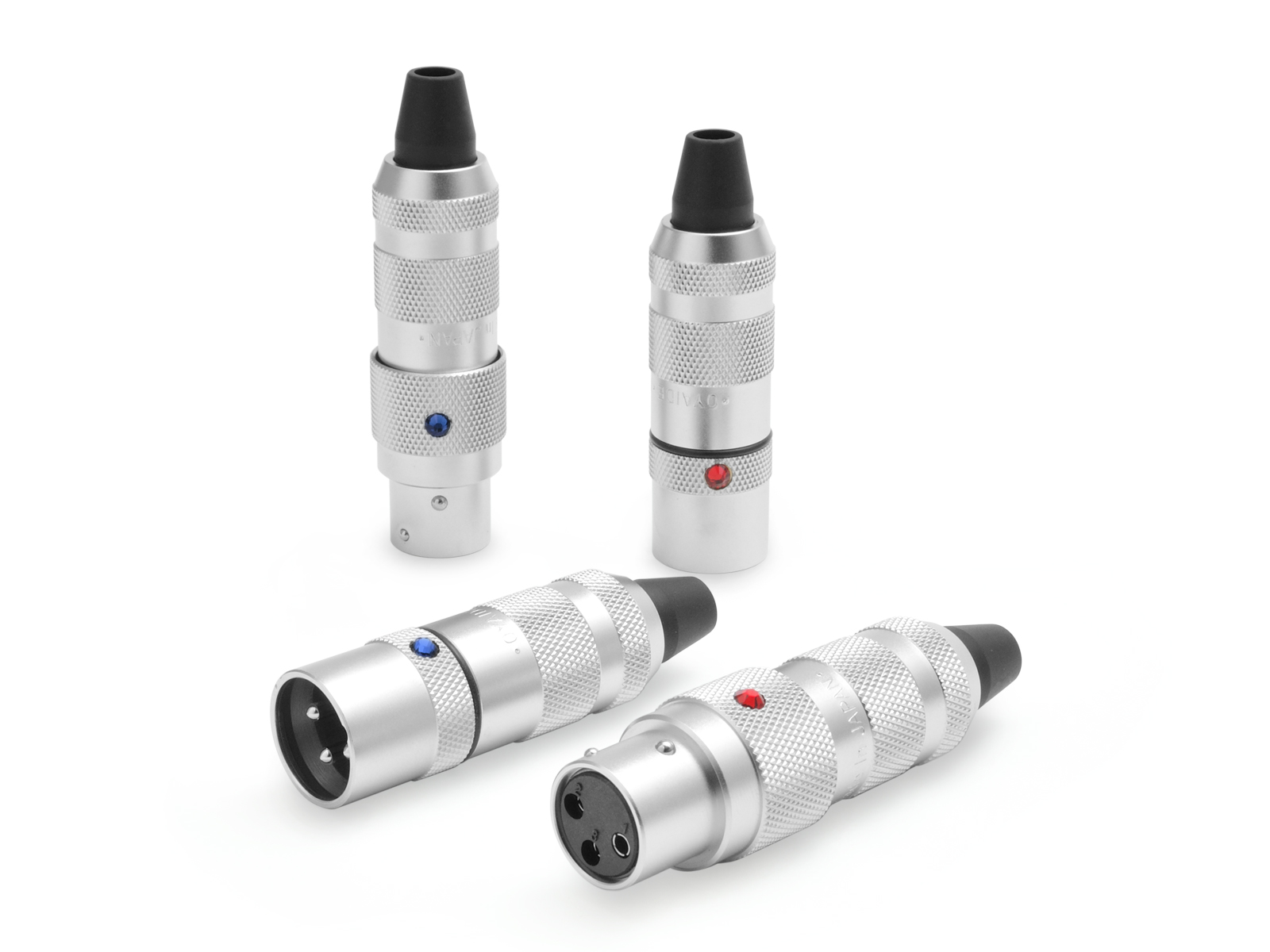
And if you are spending serious money on a digital link, ask whether optical is even the right connection. At the premium end, coaxial and AES/EBU cables built from conductors like Oyaide's pure silver FTVS wire, or USB designs like the Zonotone Grandio USB-2.0, offer more performance per dollar than any Toslink, because they are not fighting the limitations of an LED and a photodiode. Optical's ceiling is set by its converters, not its fibre.
Our recommendation
TV to DAC, hum problems, or a long run to a wall mounted screen: buy a well built Toslink of ordinary length, glass if you are going past five metres, and enjoy it. Transport to DAC in a resolving system: come and talk to us about coaxial instead. Our digital cables category covers the coaxial, BNC, AES and USB builds we make in the Sydney workshop, and if you need an unusual length or a custom optical run, the custom order form is the fastest way to get a straight answer and a firm price.